Coaches need more than an assessment builder because the questionnaire is only the first of five steps: ask, answer, report, session, feedback. A builder makes the form; the time goes in what happens after it. AI is changing three of those steps — drafting the questions in the coach's specialization, transcribing video answers, and drafting the report the moment a client submits with the coach editing and approving each one.
An assessment builder is a useful thing. It is also the easiest part of the job to buy, which is why most coaches own one and still spend their evenings on assessments.
Put simply, an assessment is a loop, not a form. The form is one step in it.
Here is what the loop is, why the time goes in the steps a builder never touches, how to tell whether a tool covers the loop or just the form, and where AI is changing client assessments.
What is a client assessment, really?
Not a questionnaire. A questionnaire is the part you can see.
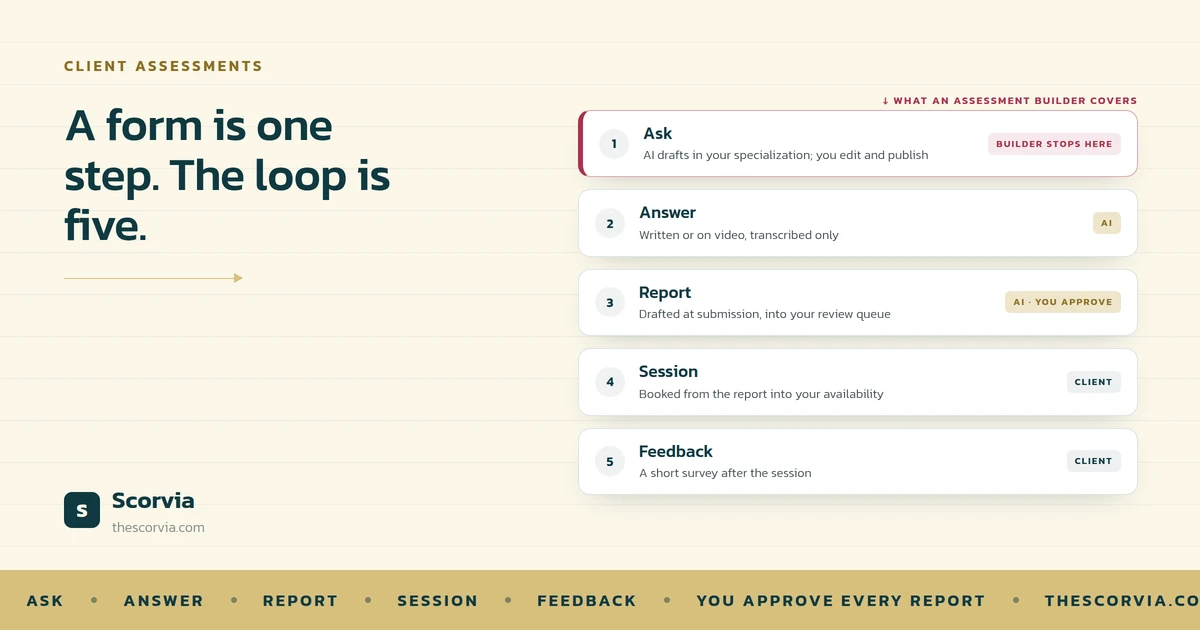
A client assessment is everything from the moment you decide what to ask to the moment you know whether the session that followed was any good. Five steps: you ask, the client answers, someone writes the report, the client books the session, and afterwards you find out how it went.
A builder covers the first step. It is very good at the first step. The other four are where the week disappears.
Why the time goes in the steps a builder never touches
Think of a kitchen that bought a very good oven and nothing else. The oven is excellent. But someone still has to shop, prep, plate and wash up, and none of that got faster.
That is a coaching practice with an assessment builder. The questions are made quickly. Then the answers come back in an export, the report gets written in a document, the session gets booked in a calendar tool, and the feedback gets asked for by email a week later, if at all.
Four tools, four copies of the client, and the coach carrying information between them by hand.
The builder did not cause that. It just stopped at the point where the real work starts.
Buying a better form does not shorten the loop. It shortens one step of it.
How to tell whether a tool covers the loop or just the form
Ask one question of any assessment tool: what happens when the client presses submit?
If the answer is “you get a spreadsheet”, it is a form builder. Useful, but you still own the next four steps.
If the answer is “a report is drafted and waits for you, the client can book from it, and you hear how the session went”, it covers the loop.
Everything else — templates, scoring, branching, question types — matters. But it matters inside step one. The question above is about the other four.
The five steps, and where AI now touches them
Here is the loop as it runs in Scorvia. Three of the five steps have AI in them; in all three, the coach edits and approves.
1. Ask
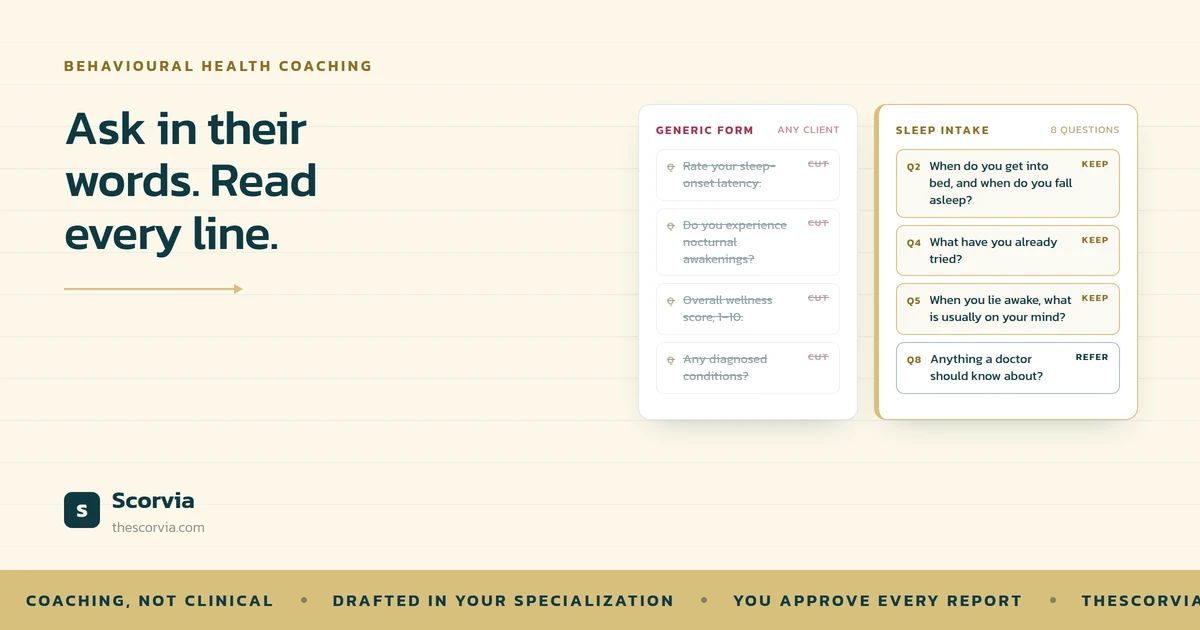
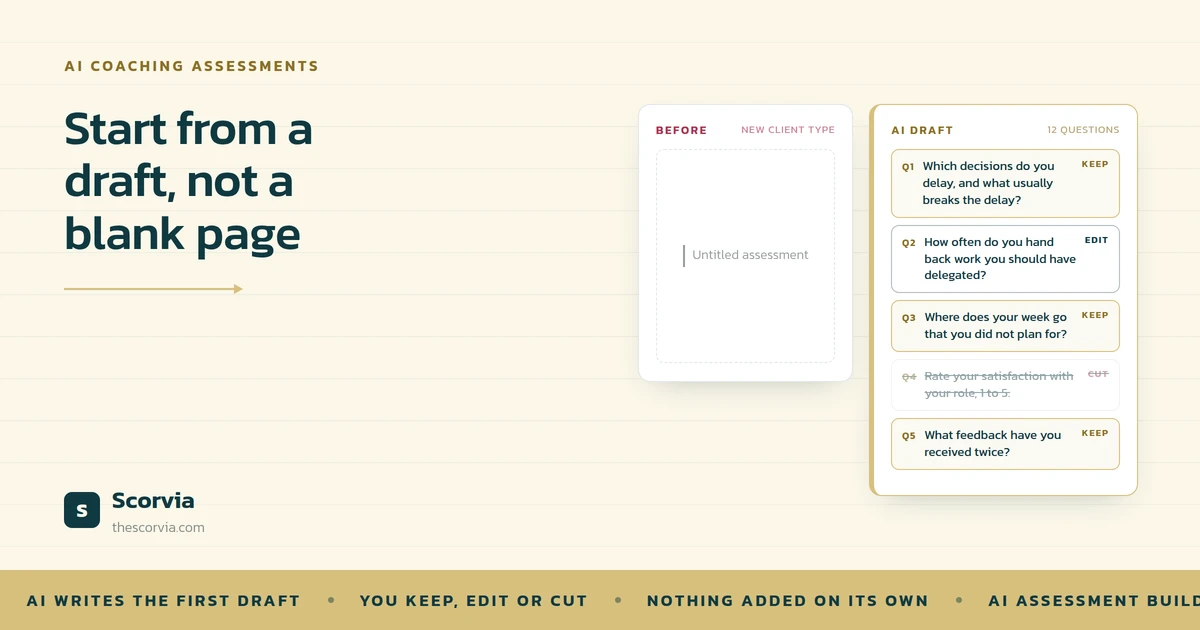
The questions, drafted for your specialization and edited by you. This is the only step an assessment builder covers.
2. Answer
The client answers in writing or on video, one question at a time, and can save and finish later. Video answers are transcribed; nothing is read from faces or tone.
3. Report
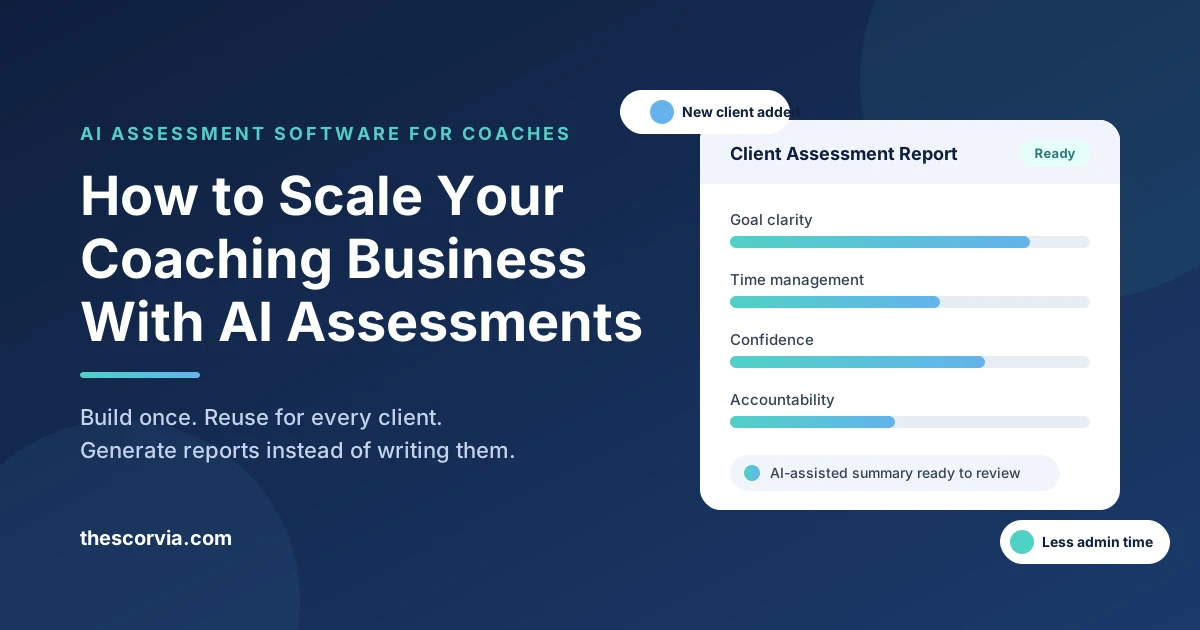
A draft is written the moment the client submits and lands in your review queue. You edit it and approve it before the client sees anything.
4. Session
The client reads the approved report and books a session from that page, into your real availability.
5. Feedback
After the session, a short survey asks how it went. The answers shape what you ask next time.
Notice what the AI does not do. It does not send anything. It does not decide anything. In each of the three places it appears, it writes a first draft of something the coach would otherwise write from nothing, and then waits.
A closer look: one client, one loop
Take an executive coach with a new client. Here is the loop, step by step, with what the coach actually does at each one.
| Step | What happens | What the coach does |
|---|---|---|
| Ask | AI drafts twelve questions for executive coaching; the coach keeps nine, rewrites two, adds one from their library | Edits, previews, publishes |
| Answer | The client answers eight in writing and four on video, in their own time, nothing to install | Nothing. The client is working |
| Report | The moment they submit, a draft report is in the review queue: summary, findings, strengths, areas to work on, recommendations | Reads it, softens the recommendations, adds a note, approves |
| Session | The client reads the report and books a session from that page | Nothing. The calendar is already open |
| Feedback | After the session, a short survey asks how it went | Reads two ratings and one comment, and adjusts next time |
The coach touched the loop three times, each time to decide something. Nobody exported a spreadsheet, nobody wrote a report from a blank page, and nobody emailed to ask for feedback.
With great power: the loop has to stay yours
A loop that runs itself is a tempting idea, and the wrong one.
The point of putting AI in three steps is to remove the blank page, not the coach. The draft report does not know the client; the coach does. The suggested questions know the field; the coach knows this person. So nothing goes to a client that the coach has not read, edited and approved, and the client sees an Under Review badge while that happens.
Two more things that stay fixed. No model is trained on your questions, your assessments or your clients' answers. And the reports describe what a client said; they do not diagnose, screen or assess risk.
Let the AI shorten the loop. Keep every decision in it.
Common questions
Why do coaches need more than an assessment builder?
Because the questionnaire is only the first step. After a client answers, someone still has to turn the answers into a report, get it to the client, book the next session and find out how it went. An assessment builder stops at the form; the time goes in the steps after it.
How is AI changing client assessments?
In three places. It drafts the questions in the language of the coach's specialization. It transcribes video answers so a client can speak instead of type. And it drafts the report the moment a client submits. In each case the coach edits and approves; the AI removes the blank page, not the judgement.
What is the difference between an assessment builder and assessment software?
A builder makes the form. Assessment software, in the sense used here, also handles what the form is for: collecting answers, drafting the report, the coach's review and approval, delivering it to the client, and connecting it to the next session.
Does the AI send reports to clients?
No. In Scorvia a drafted report goes to the coach's review queue, not the client's inbox. The client sees an Under Review badge while the coach reads, edits and approves it. Nothing reaches the client until the coach has approved it.
Is my clients' data used to train the AI?
No. No model is trained on a coach's questions, assessments, client answers or approved reports. What a coach keeps and dismisses from suggestions shapes the next draft as a preference signal, and client records are never shared between accounts.
The five steps above are the Scorvia features page in order: the assessment builder, written and video answers, AI-drafted reports with coach approval, sessions, and post-session feedback. If you want the first step on its own, read How Can AI Help Coaches Write Assessments Faster?; for the third, Why Do Coaches Spend So Much Time Writing Client Reports?
Build one assessment, have one client submit, and see what is waiting. 14-day free trial, no card see the features page, or pricing.