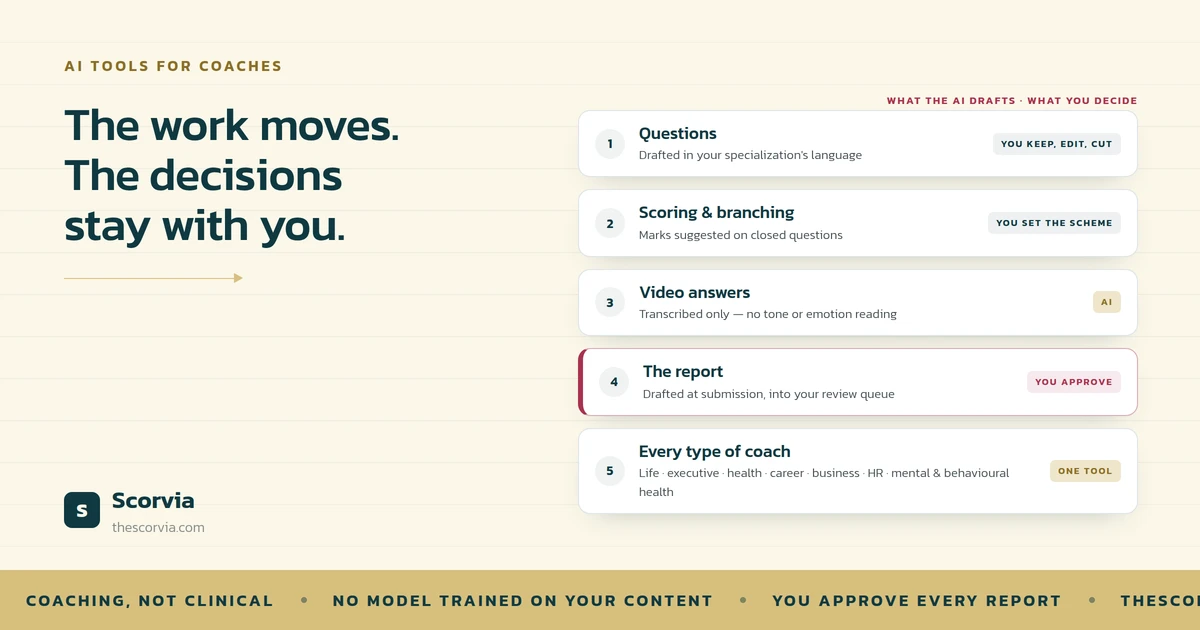
AI-powered tools help with coaching assessment and reporting in four places: they draft the assessment questions in the language of your specialization, they score and branch the questions you keep, they transcribe video answers so clients can speak instead of type, and they draft the client report the moment the answers come in. You edit and approve every one of those outputs. The AI removes the blank page; the judgement stays with you.
Most coaches run assessments the same way whatever they coach. A form goes out, answers come back, and someone writes the report in the evening.
AI tools change the two slow parts of that: writing the questions and writing the report. They do not change who decides what the answers mean.
This is how the tools work, what they do for each type of coach, and what to check before you trust one with a client.
What AI does in a coaching assessment
Four things, in the order a client experiences them.
Drafting the questions You name your specialization and the AI writes a question set in the words those clients use. You keep, rewrite or delete each one, add scoring to the closed questions, and add a branch where one answer should change the next question.
Collecting the answers. The client answers online, one question at a time, and can save and finish later. Nothing to install.
Transcribing video answers For coaches who want to hear a client rather than read them, the client records answers in the browser. Each recording is transcribed and the transcript becomes the answer. Nothing is read from faces, tone or emotion.
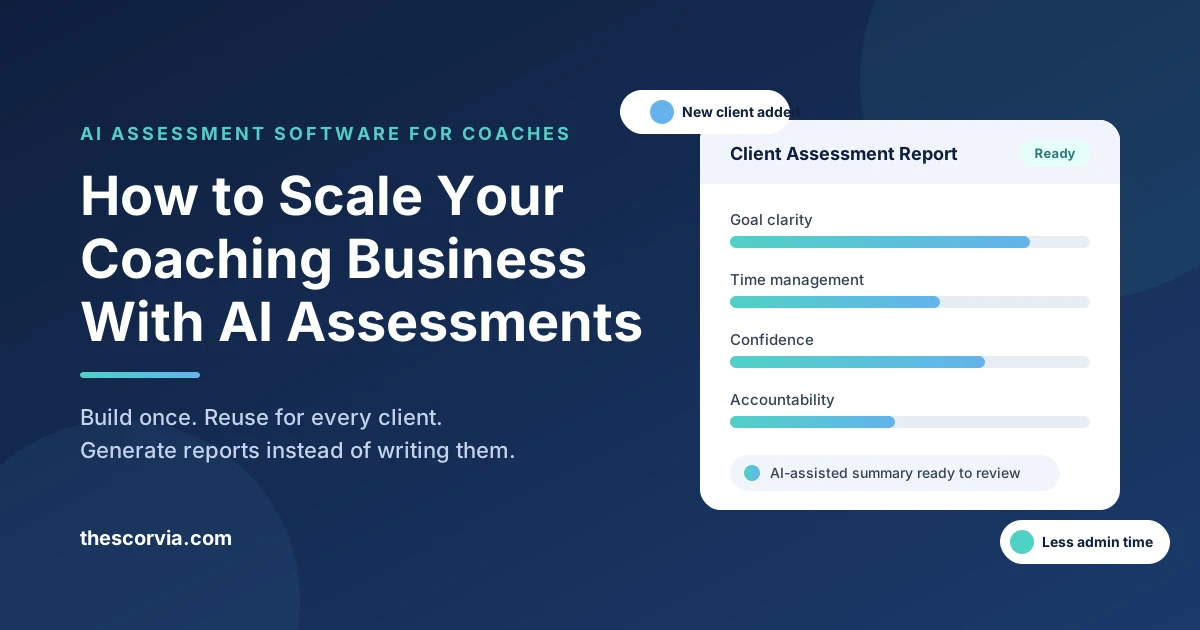
Drafting the report The moment the client submits, a report is drafted from their answers: summary, findings, strengths, areas to work on, recommendations. It lands in your review queue, not the client's inbox.
Assessment and reporting, with and without AI tools
| Step | Without AI tools | With AI tools | What stays with you |
|---|---|---|---|
| Writing questions | A blank document and an evening | A draft in your specialization's language | Which questions stay, change or go |
| Scoring | Decided per client, by hand | Marks suggested on closed questions | What a mark means, and whether to score at all |
| Client answers | A form export or an email | Written or on video, transcribed | Nothing — the client is working |
| The report | Written from scratch after each submission | Drafted at submission, in five sections | Every edit, the coach note, and the approval |
| Sending | Attached to an email | Approved in the review queue, then shared with your logo | The decision to send |
Read the right-hand column again. Nothing in it moved. That is the test of a well-built AI coaching tool: the work moves, the decisions do not.
What this looks like for each type of coach
The mechanism is the same for everyone. The questions, and what the report looks for, are not.
Life coaches Intake questions about what a client wants to change, what they have tried, and what gets in the way. The report groups the answers into what is working and what is not, so the first session starts from the client's own words.
Executive and leadership coaches Questions on delegation, decisions, feedback received and the gap between how a leader sees themselves and how others do. Scored sections give a sponsor a chart; open text gives the coach the sentence to quote back.
Health and wellness coaches. Routine, sleep, energy, habits and confidence to change. Closed questions carry a score the client can see move over time; the comment box catches what the questions did not ask.
Career coaches. Where a client is, where they want to be, and what they believe is stopping them. The report's recommendations section becomes the first draft of the plan.
Business coaches. Questions about the owner's week, the decisions they delay and the work they should hand back. The findings section is often the first time a client sees the pattern written down.
HR coaches and trainers The same assessment sent to a cohort of twenty, with twenty individually drafted reports coming back. Comparable answers, because everyone was asked the same questions in the same order.
Mental health coaches and behavioural health coaches. Questions in the client's language "what happens between getting into bed and falling asleep?", not "sleep-onset latency" about habits, stressors and routines. The report reflects what the client said. It does not diagnose, screen or assess risk, it carries no validated norms, and it is not a substitute for a licensed instrument. If a client discloses something that needs clinical care, that is a referral conversation, not a report section.
Financial advisors Discovery questions about goals, concerns and what a client has already decided, drafted so the first meeting starts informed rather than from zero.
One tool, one mechanism, a different question set for every specialization. That is the whole point of drafting by field rather than for coaches in general.
What to look for in an AI assessment and reporting tool
Six checks. Run any tool through them, including ours.
1. It drafts for your specialization, not for everyone
A life coach, an executive coach and a health coach need different questions. If the tool gives every coach the same set, you are back to editing a generic form.
2. You can edit, score and branch every question
Keep, rewrite or delete any suggestion. Score the closed questions. Add a follow-up that only appears when an answer calls for it.
3. Clients can answer in writing or on video, with nothing to install
Some clients type well. Some talk well. A tool that only does one loses half the honesty.
4. The report is drafted, not sent
The draft should land in your review queue. You edit it and approve it. If the tool sends reports to clients on its own, walk away.
5. Your content is not used to train the AI
Your questions, your assessments and your clients' answers stay yours. Ask the vendor in writing.
6. It says what it does not do
No diagnosis, no screening, no risk assessment, no validated norms. A tool that claims otherwise is making a clinical promise a coaching tool cannot keep.
What AI tools should not do
Three limits worth stating plainly, because a tool that crosses them is a liability rather than a help.
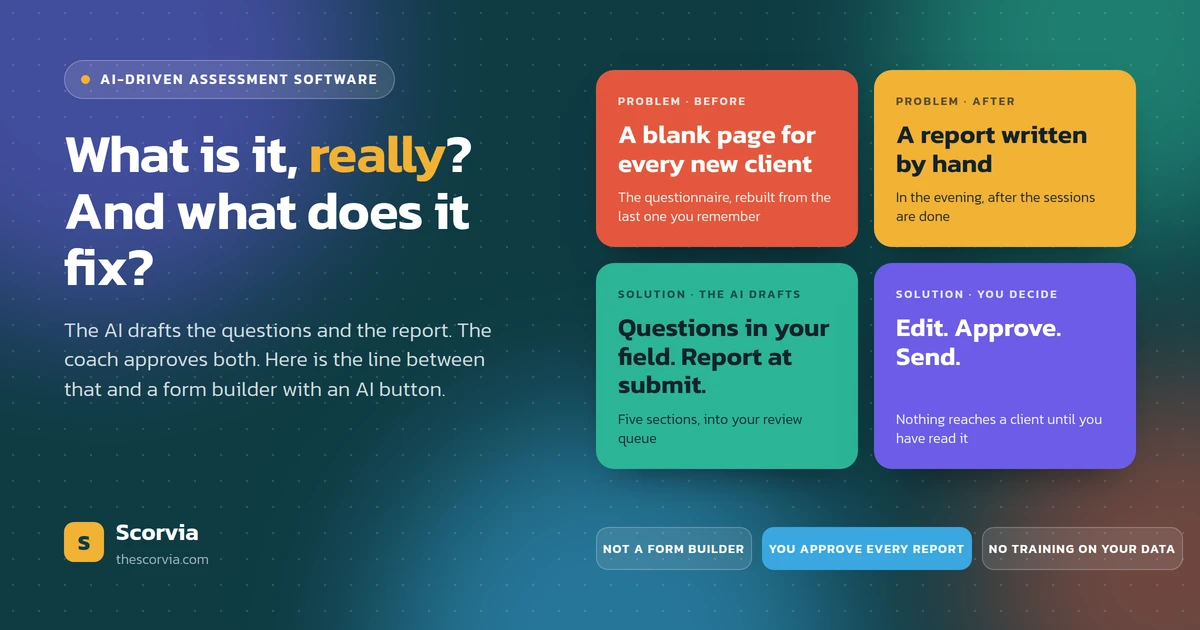
They should not send anything. A draft is a draft until a coach has read it. In Scorvia the client sees an Under Review badge while the report is with the coach, and nothing reaches them until it is approved.
They should not learn from your clients. No model should be trained on your questions, your assessments or your clients' answers. What a tool may do is notice which suggestions you keep and which you dismiss, and draft the next set closer to how you write.
They should not pretend to be clinical. A coaching assessment describes what a client said. It does not diagnose, and it should say so on the page.
The AI drafts. You decide. Nothing goes out under your name that you have not read.
Common questions
How can AI-powered tools help with coaching assessment and reporting?
In four places. They draft the assessment questions in the language of the coach's specialization, they score and branch the questions the coach keeps, they transcribe video answers so a client can speak instead of type, and they draft the client report the moment the answers are submitted. The coach edits and approves every one of those outputs; the AI removes the blank page, not the judgement.
Do AI assessment tools work for every type of coach?
They work for any coach whose practice starts with questions and ends with a written report: life, executive, leadership, career, business, health and wellness, HR, and behavioural health coaches, as well as financial advisors who run client discovery. What changes between them is the question set and the language, which is why the tool has to draft for a specialization rather than for coaches in general.
Can mental health and behavioural health coaches use AI assessments?
Yes, as coaching assessments. The questions ask about habits, routines, stressors and what a client wants to change, and the report reflects what the client said. They do not diagnose, screen or assess risk, use no validated norms, and are not a substitute for a licensed instrument. A disclosure that needs clinical care is a referral conversation, not a report section.
Does the AI send the report to the client?
Not in a well-designed tool. In Scorvia the drafted report goes to the coach's review queue, not the client's inbox. The client sees an Under Review badge while the coach reads, edits and approves it. Nothing reaches the client under the coach's name until the coach has approved it.
Is my clients' data used to train the AI?
It should not be, and in Scorvia it is not. No model is trained on a coach's questions, assessments, client answers or approved reports. The only adaptation is to the coach's own preferences: which suggested questions they keep and which they dismiss shapes the next draft.
What does an AI-drafted coaching report contain?
In Scorvia, five sections: an executive summary, key findings, strength areas, improvement areas and recommendations. Scored assessments add an overall score out of 100 and a chart. The coach can edit any section by hand or ask the AI to redraft one section only, add a note in their own words, and approve. Approved reports carry the coach's logo and can be downloaded as a PDF.
Everything described above is on the Scorvia features page: the assessment builder, video answers, and AI-drafted reports with coach approval.
Name your specialization, read the draft, and count the questions you would keep. 14-day free trial, no card — see the features page, or pricing.