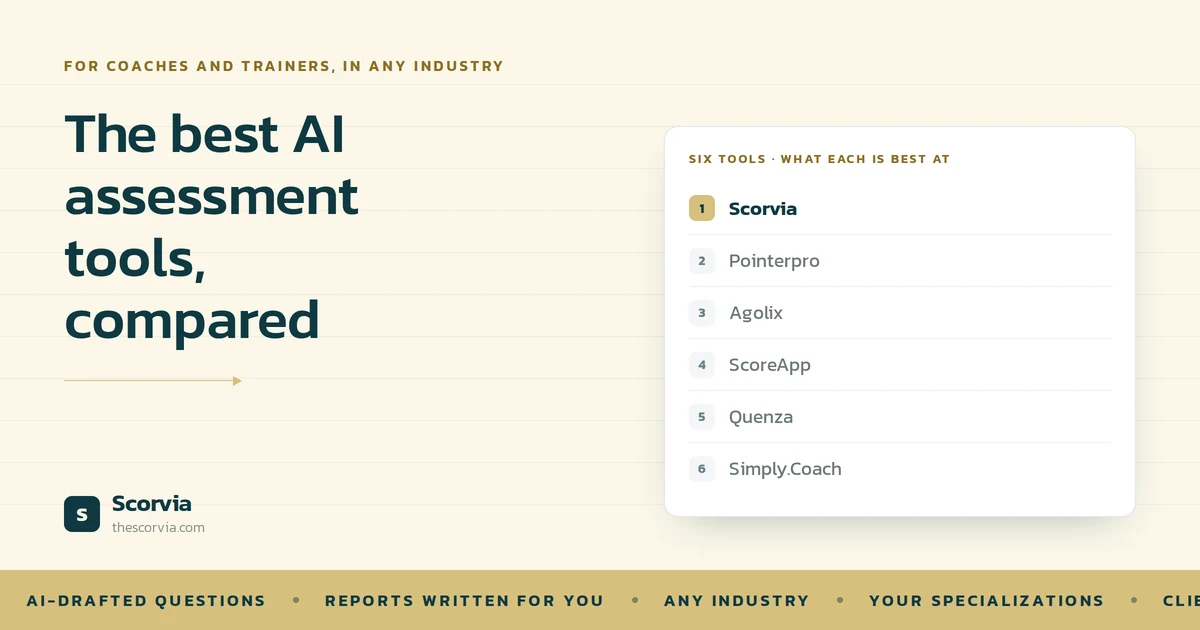
First, the obvious thing. This is Scorvia's blog, and Scorvia is number one on this list. You should read that with exactly as much scepticism as it deserves. What we can offer instead of neutrality is specificity: every other tool here was checked against its own live site before writing, each entry says plainly who it is better for than us, and there are two jobs on this list we genuinely cannot do. If you want an independent view, G2 and Capterra carry real user reviews this is the view from inside one of the products.
“AI assessment tool” has come to mean two quite different things, and most comparison articles never separate them. Getting the distinction straight will save you a fortnight of trials.
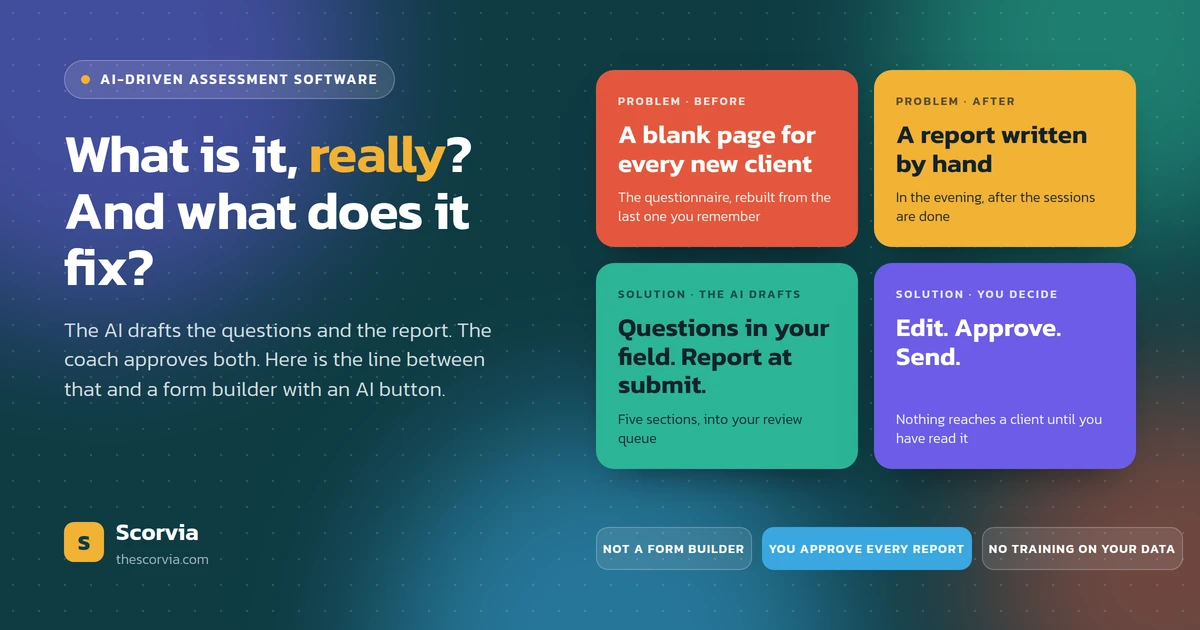
Some tools use AI to write the questions you describe what you are assessing, and it drafts the set. Others use AI to interpret the answers the questions are yours, and the software turns the responses into a written report. A few do both. Several do neither and simply have “AI” on the pricing page.
So the useful question is not which tool is best. It is which half of the work you want handed over.
How these are judged
Five questions applied to each one:
•Does AI draft the questions, or only the report?
•Is the report written before you open it, and do you approve it before the client sees it?
•Can the client come back to their results later, or is it a PDF in an email?
•Does it work for a practice of one, or does it assume a team?
•What does it refuse to do? Every tool has a shape, and the fastest way to waste a month is to fight one.
No scores, no stars. Nothing here has been measured, so nothing here is presented as a measurement.
1. Scorvia for coaches who want the questions and the report drafted
Best for: a solo coach or small practice running assessments regularly, who is currently writing every report by hand.
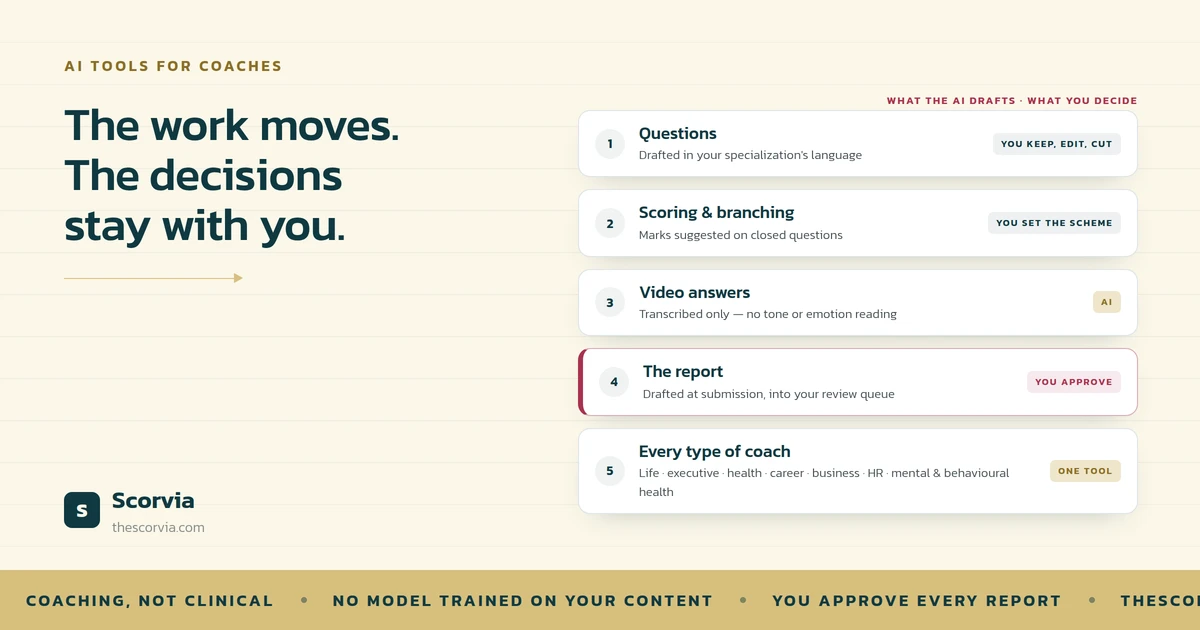
Scorvia drafts both halves. You set your industry and the specializations you work in HR, finance, healthcare and wellness ship with sub-specialisms like performance management, wealth management and stress management and the AI writes each question set in the vocabulary those clients use. You keep what fits, rewrite what does not, or drag a blank multiple-choice, true/false or open-text question in and write it yourself.
The part that earns its place is what happens next. When a client submits the report is already drafted executive summary, key findings, strength areas, improvement areas, recommendations and it lands in your review queue rather than their inbox. You can rework a single section without touching the others, roll back a version you preferred, add a coach note above the AI's work, and preview the client-facing version, which is the same report rewritten in the second person. Nothing sends until you approve it.
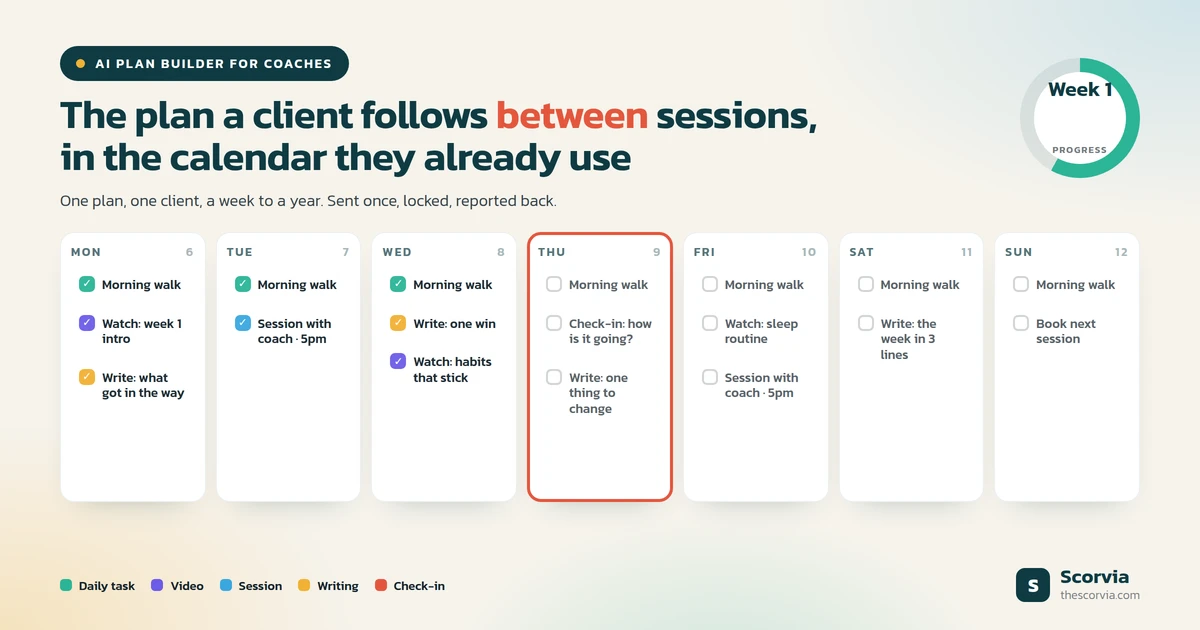
Clients get their own login: assessments one question at a time with save-and-return, approved reports with scores and charts, a PDF download, session booking, and any courses you have published. Client Groups assign one assessment to a whole cohort and return individually drafted reports.
Where it loses: no 360-degree or multi-rater feedback, no public or anonymous quiz links, and no validated psychometric norms. Integrations are white label only. If any of those are the thing you actually need, buy something else two of them are further down this list.
Pick it if: the bottleneck is writing reports, and you want the drafting handled without giving up the final word with feedback by coach.
2. Pointerpro for consultants who need report logic, at scale
Best for: consultants and HR teams building a repeatable, heavily branded diagnostic product.
Pointerpro's strength is the reporting engine. Responses run through formula-based logic to produce a personalised report the moment someone finishes, and the formulas can get genuinely sophisticated one customer describes hundreds of them running behind a result the respondent sees as a simple page. There is an AI prompt widget for report content on top of that.
It is also the most enterprise-shaped tool here: ISO 27001:2022 certified, hosted on AWS in Ireland, more than fifty languages, and integrations with Zapier, Make, Google Tag Manager and others. It serves consultants, HR, marketers and coaches, and it does handle 360 assessments on the HR side.
The trade-off: the logic is yours to build. Nothing writes your questions for you, and the power comes with a setup cost that only pays back if you are running the same assessment many times.
Pick it if: you are productising one diagnostic and want deep control over how the report is calculated.
3. Agolix the established assessment builder for coaches
Best for: coaches who want a proven, coach-specific assessment tool and are happy to write the questions.
Agolix has been serving this exact audience for years, and it shows in the fit. Custom assessments with your own scoring and feedback content, branded PDF reports generated automatically from responses, pre-built coaching assessment packages you can modify, and the ability to compare a client's reports across time periods to show progress which is the thing coaches most often bolt onto a spreadsheet elsewhere.
It also offers a one-for-you service where they build the assessment to your specification, which is genuinely useful if you know what you want to ask and do not want to spend a weekend building it.
The trade-off: the feedback is rules-based, you write the interpretation text that fires against each score band. That is more predictable than a drafted narrative and more work up front, and it does not adapt to what an individual wrote.
Pick it if: you want mature, coach-shaped assessment software and prefer feedback you have written once and can trust exactly.
4. ScoreApp for public quizzes and lead generation
Best for: attracting people who are not your clients yet.
This is the job Scorvia deliberately does not do, so the recommendation is straightforward. ScoreApp is built for scorecards and quizzes that live on your website, get shared, and capture leads from strangers. Landing pages, AI-assisted builders, automatic lead scoring to sort who is ready from who needs nurturing, personalised results pages, and integrations with HubSpot, Salesforce, Mailchimp and others.
The trade-off: it is a marketing tool, not a client-management one. It is excellent at turning a stranger into a lead and not designed to carry the relationship after that.
Pick it if: the assessment is the top of your funnel rather than the start of your coaching.
5. Quenza for what happens between sessions
Best for: coaches and therapists whose real problem is client engagement between appointments.
Quenza approaches this from a different angle. Rather than a one-off assessment, it delivers a stream of activities over two hundred pre-made exercises and reflections, or your own sequenced into automated multi-week programmes that go out without you doing anything. Progress tracking, secure messaging, client portal, notes and file sharing, on web and mobile. It serves therapists, life coaches and dietitians.
The trade-off: assessment is one thing it does rather than the thing it is built around, and its site does not advertise AI drafting of questions or reports. If your problem is a client who goes quiet for three weeks, this is the better-shaped tool. If your problem is reporting writing, it is not.
Pick it if: you need clients doing structured work between sessions more than you need a diagnostic.
6. Simply Coach for running the whole business
Best for: coaches who want one platform for the practice, with assessments as one part of it.
Simply Coach is the broadest tool here. Goal planning, scheduling, notes, action plans, shared resources and team engagements on the client side; invoicing, contracts, subscription packages and prospect tracking on the business side, with Zapier integrations. It is SOC2, HIPAA and GDPR compliant, and it sells to solo coaches, multi-coach businesses, L&D teams and universities separately, which tells you it is built to scale past one person.
The trade-off: breadth. Digital forms and templates are part of the offering, but assessment generation and AI-drafted reporting are not what the platform is organised around.
Pick it if: your bigger problem is contracts, invoicing and admin sprawl rather than the assessment itself.
Choosing quickly
If you already know your constraint, this is the short version.
| If you need… | Look at |
|---|---|
| The questions and the report both drafted for you with feedback by coach | Scorvia |
| Deep control over how a report is calculated | Pointerpro |
| A mature coach-specific builder with feedback you write once | Agolix |
| Public quizzes that capture leads from strangers | ScoreApp |
| Structured activity between sessions | Quenza |
| Invoicing, contracts and the whole practice in one place | SimplyCoach |
| 360-degree or multi-rater feedback | Pointerpro on the HR side, or a dedicated 360 tool |
| Validated psychometrics with published norms | A licensed instrument and the training to interpret it — not software |
What none of these solve
Worth saying, because no tool on this list fixes it.
A badly written question produces a useless answer no matter which platform delivers it, and no amount of AI drafting rescues a set that asks the client to diagnose themselves. If you are switching tools because your assessments are not telling you anything, the tool may not be the problem.
That is a separate piece of work, and we have written about it in detail six mistakes that make answers useless, with before-and-after examples.
How to decide
Trials are free and opinions are cheap, so use the trials. But run the same test on each one rather than clicking around:
•Build one real assessment. Not a demo the one you actually send. You will learn more in twenty minutes of that than an hour of reading feature lists.
•Send it to yourself and answer it honestly. As your most sceptical client, on a phone, in a hurry.
•Look at what comes back and ask one question: would I send this? Not “is this impressive” would you put your name on it and email it to a paying client.
Most of these tools survive step one. Step three is where the differences show up.
Scorvia is free for 14 days, whole workspace, no card. Build one assessment, send one report, and judge it on what comes back.