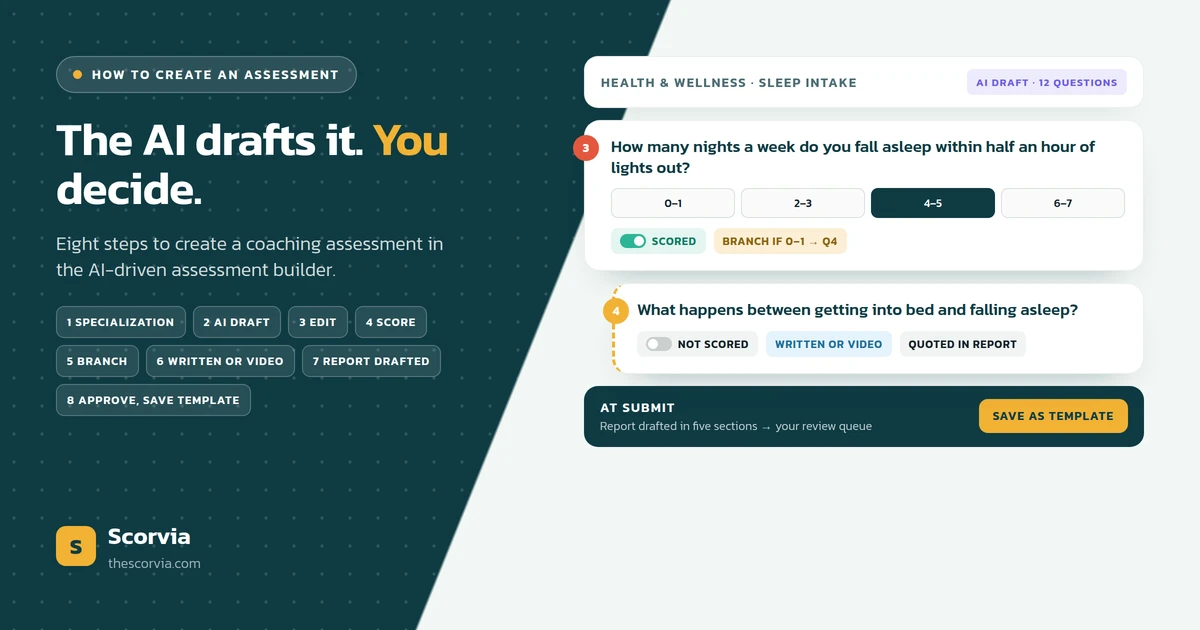
To create an assessment in an AI-driven assessment builder, you set your industry and specialization, the AI drafts the question set in that field's language, and you keep, rewrite or delete each question. You add scoring to the closed questions, add a branch where one answer should change the next, choose written or video answers, and send it. When the client submits, Scorvia drafts the report into your review queue; you edit, approve, and save the assessment as a template for the next client.
The question coaches are asking
The question is how to create an assessment for a client without spending the evening on it, and without rebuilding it for the next client.
Most coaches have built one before. The question is not whether they can; it is whether the third and fourth versions have to cost as much as the first.
The answer is that they do not, if the assessment is created in an AI-driven assessment builder rather than by hand. This post is the method, step by step, as it happens in Scorvia.
The problem: an assessment built by hand is rebuilt every time
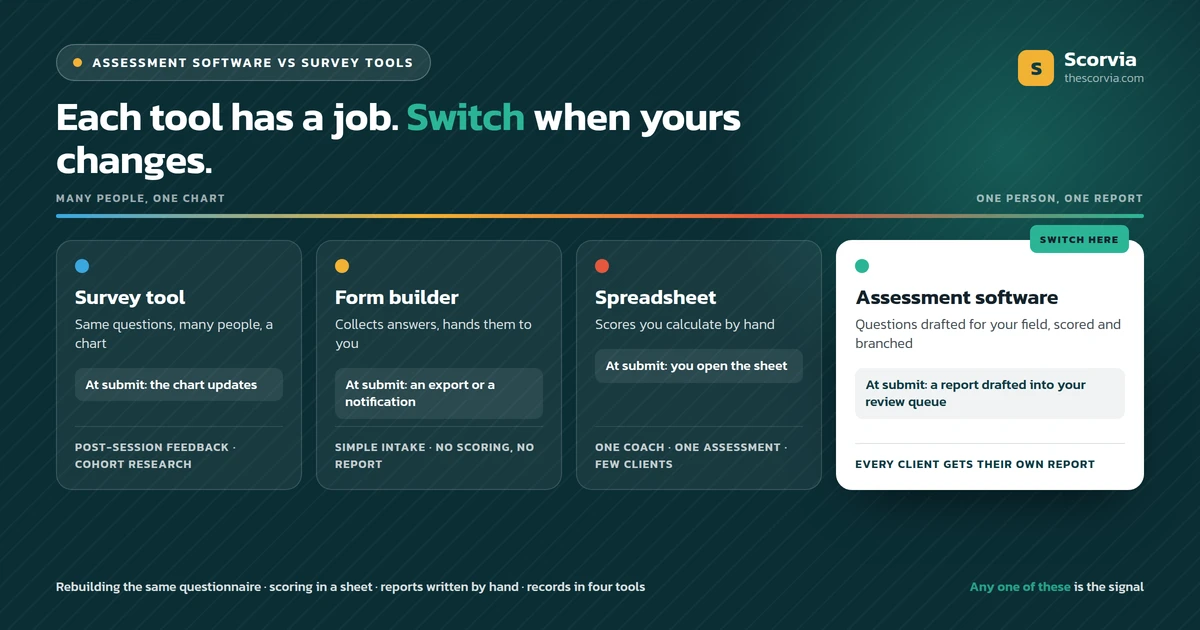
The problem with building by hand is that nothing carries over. The questions live in a document, the form lives in a form tool, the scoring lives in a spreadsheet, and the report is written from scratch after every submission.
So the second client of a type gets a copy of the first client's form with two questions changed, and the coach reads the answers in a spreadsheet row.
Scoring and branching are either skipped, because the form tool makes them awkward, or maintained by hand in a sheet nobody else can read.
And the assessment ends in the wrong place. The answers reach the coach as data, and turning them into something a client can act on happens in the evening.
A hand-built assessment costs a blank page before the client answers and another one after. That is the cost an AI-driven assessment builder removes.
The solution: create it in an AI-driven assessment builder
The solution is to create the assessment where the questions, the scoring, the branching, the answers and the report all live together. That is what Scorvia's AI-driven assessment builder is.
It starts from your field. You set your industry and specialization, and the AI drafts the question set in the language those clients use.
It keeps the decisions with you. You keep, rewrite or delete every question, decide what is scored and where the branches go, and approve every report before a client sees it.
And it ends in a report, not a spreadsheet. That is the difference between a form builder with an AI button and AI-driven assessment software.
How to create an assessment in Scorvia, step by step
Eight steps, in the order they happen in the builder.
1. Set your industry and specialization
You start by naming your field, not by writing questions. Scorvia lets you create your own categories and specializations, and everything the AI drafts afterwards is written for that field, in the language those clients use.
2. Let the AI draft the question set
Name the assessment's purpose and the AI drafts a full question set for your specialization. It is a draft for you to edit, not a form to send; the blank page is gone, the decisions are still yours.
3. Keep, rewrite or delete every question
Go through the draft one question at a time. Keep the ones that earn their place, rewrite the ones in your language instead of the client's, and delete the rest. The assessment should ask only what changes what you do next.
4. Add scoring to the closed questions
Where a number means something and can be compared next time, add a score to the closed question. Leave open questions unscored; their answers are quoted in the report, not counted.
5. Add a branch where one answer should change the next question
Conditional branching shows a follow-up only when an earlier answer calls for it. A client who answers 'never' is not asked how often. The assessment stays short for the client and specific for you.
6. Choose written or video answers, and preview it
Clients answer online, one question at a time, with nothing to install and the option to save and finish later. For a question better answered out loud, allow a video answer; the recording is transcribed and the transcript becomes the answer. Preview the assessment as the client will see it before you send it.
7. Send it, and let the report draft itself
The moment the client submits, a report is drafted from their answers in five sections: executive summary, key findings, strength areas, improvement areas and recommendations. It goes to your review queue, not the client's inbox.
8. Approve the report and save the assessment as a template
Edit any section by hand or ask the AI to redraft one section, add a note in your own words, and approve. The approved report carries your logo. Then save the assessment as a template, so the next client of that type gets the template, not a rebuild.
What the AI drafts, and what you decide
The split is the same at every step: the AI removes the blank page, and the coaching decisions stay with you.
| Step | What the AI drafts | What you decide |
|---|---|---|
| Questions | A full set for your specialization, in the client's language | Which questions stay, which are rewritten, which go |
| Scoring | Nothing; scoring is a setting on the closed question | Which closed questions carry a score, and what the score means |
| Branching | Nothing; branching is a setting on the question | Where one answer should change the next question |
| Answers | The transcript of a video answer | Whether a question allows written, video or both |
| Report | Five sections, drafted at submission, into your review queue | Every edit, the note in your words, and the approval |
| Template | Nothing | Which edited assessment is saved for the next client of that type |
Read the right-hand column again. Nothing in it is done by the AI. That is what 'AI-driven' should mean: driven, not deciding.
Four mistakes the builder helps you avoid
Writing in your language, not the client's. The draft comes in the client's language for your specialization, so the usual rewrite from jargon to plain words is already done.
Scoring everything. Scoring is a per-question setting, so it is easy to score the closed questions and leave the open ones to be quoted.
Asking everyone every question. Branching is a per-question setting too, so a follow-up only appears when an earlier answer calls for it.
Sending the answers nowhere. The report is drafted at submission and waits in your review queue, so the assessment ends where it should: in something you approve and the client can act on.
Who it is for
It is for any coach, trainer or advisor whose work starts with questions and ends with a written report.
Life, executive, health, career, business, HR and behavioural health coaches, and financial advisors, all create the same shape of assessment; what changes is the specialization you set in step one. How to word the questions themselves is its own subject: how to write assessment questions clients answer honestly covers it.
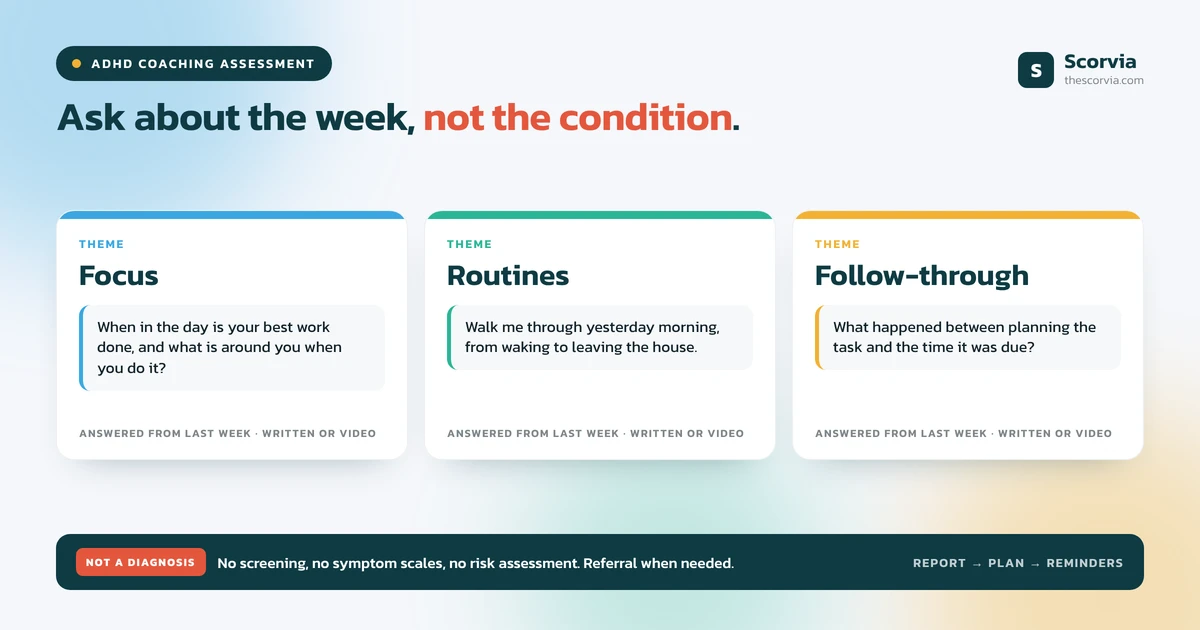
For mental health and behavioural health coaches, the assessment is a coaching assessment. It reflects what the client said, does not diagnose, screen or assess risk, and is not a substitute for a licensed instrument.
Common questions
How do you create an assessment with an AI-driven assessment builder?
You set your industry and specialization, the AI drafts a question set in that field's language, and you keep, rewrite or delete each question. You add scoring to the closed questions, add a branch where one answer should change the next, choose written or video answers, preview it and send it. When the client submits, a report is drafted into your review queue; you edit, approve and save the assessment as a template. That is how Scorvia's AI-driven assessment builder works.
What is an AI-driven assessment builder?
An AI-driven assessment builder is software that drafts the assessment questions for a coach's specialization, instead of giving the coach a blank form. In Scorvia it also scores and branches the questions the coach keeps, collects written or video answers, and drafts the client report the moment answers are submitted. The coach edits and approves every output.
Can AI write a coaching assessment for me?
AI can draft one. In Scorvia you name your industry and specialization and the AI writes a question set in the language those clients use. You decide which questions stay, what is scored and where the branches go, and you save the result as a template. The AI drafts; it does not decide what the assessment is for.
How many questions should a coaching assessment have?
As many as the decision needs and no more. For every question in the draft, ask what you would do differently depending on the answer; if nothing, delete it. Branching helps, because a client only sees the follow-ups their earlier answers call for.
Should coaching assessment questions be scored?
Score the closed questions where a number means something and can be compared against the next assessment. Leave open questions unscored and let the report quote them. In Scorvia, scored assessments add an overall score out of 100 and a chart to the report; open answers are drafted into the findings.
What happens after a client submits the assessment?
A report is drafted from their answers the moment they submit, in five sections, and lands in the coach's review queue. The client sees an Under Review badge until the coach has edited and approved it. Nothing reaches the client under the coach's name without that approval, and no model is trained on the coach's questions, assessments, client answers or reports.
Everything above is on the AI assessment builder page: written and video answers, AI-drafted reports with coach approval, templates, and the rest of the Scorvia workspace.
Set your specialization, read the drafted questions, and count the ones you would keep. 14-day free trial, no card see the assessment builder, or pricing.